

New tvOS 27.2 Features to Try for an Upgraded Apple TV Experience
Apple’s tvOS 27.2 update may not bring headline-grabbing changes, but it delivers a suite of thoughtful improvements that enhance the daily Apple TV experience. From more dynamic screen savers to better accessibility and integration with other Apple devices, these updates are worth exploring for anyone looking to get more out of their streaming setup. In this article, we’ll break down the key features, explaining why they matter and how to make the most of them.
Enhanced Screen Savers with Shuffle and Personalization Options
Apple TV has long been praised for its visually appealing screen savers, but tvOS 27.2 introduces a game-changing “Shuffle” option. Previously, you had to select a single category like Aerials, Memories, or Portraits, but now the system can cycle through all available types, including Snoopy, ensuring that every time your TV wakes up, you see something fresh. This adds a layer of variety that keeps the experience engaging, especially in households with multiple viewers.
Another standout feature is the ability to curate specific photos from your iPhone for the screen saver without granting full access to your photo library. This is a significant privacy improvement, allowing you to share only curated moments on the big screen while keeping personal images private. It’s particularly useful in shared living spaces, preventing unintended exposure of sensitive photos.
FaceTime Upgrades for Seamless Calling and Greater Accessibility
The FaceTime experience on Apple TV gets a boost with the introduction of FaceTime links, which simplify joining calls directly from the TV interface. While the call still leverages your iPhone as a webcam via Continuity Camera, the links make it more intuitive to hop into a video chat without fumbling through devices. This is a subtle but practical enhancement for families or users who frequently use their TV for group calls.
Accessibility takes center stage with support for third-party sign language interpreters and live captioning services during calls. These features are available across iPhone, iPad, and Mac with their respective updates, promoting inclusivity for users who are deaf or hard of hearing. By integrating these tools, Apple is making video communication more accessible than ever, aligning with broader industry trends toward universal design.
Find My Integration and Player Improvements for Easier Navigation
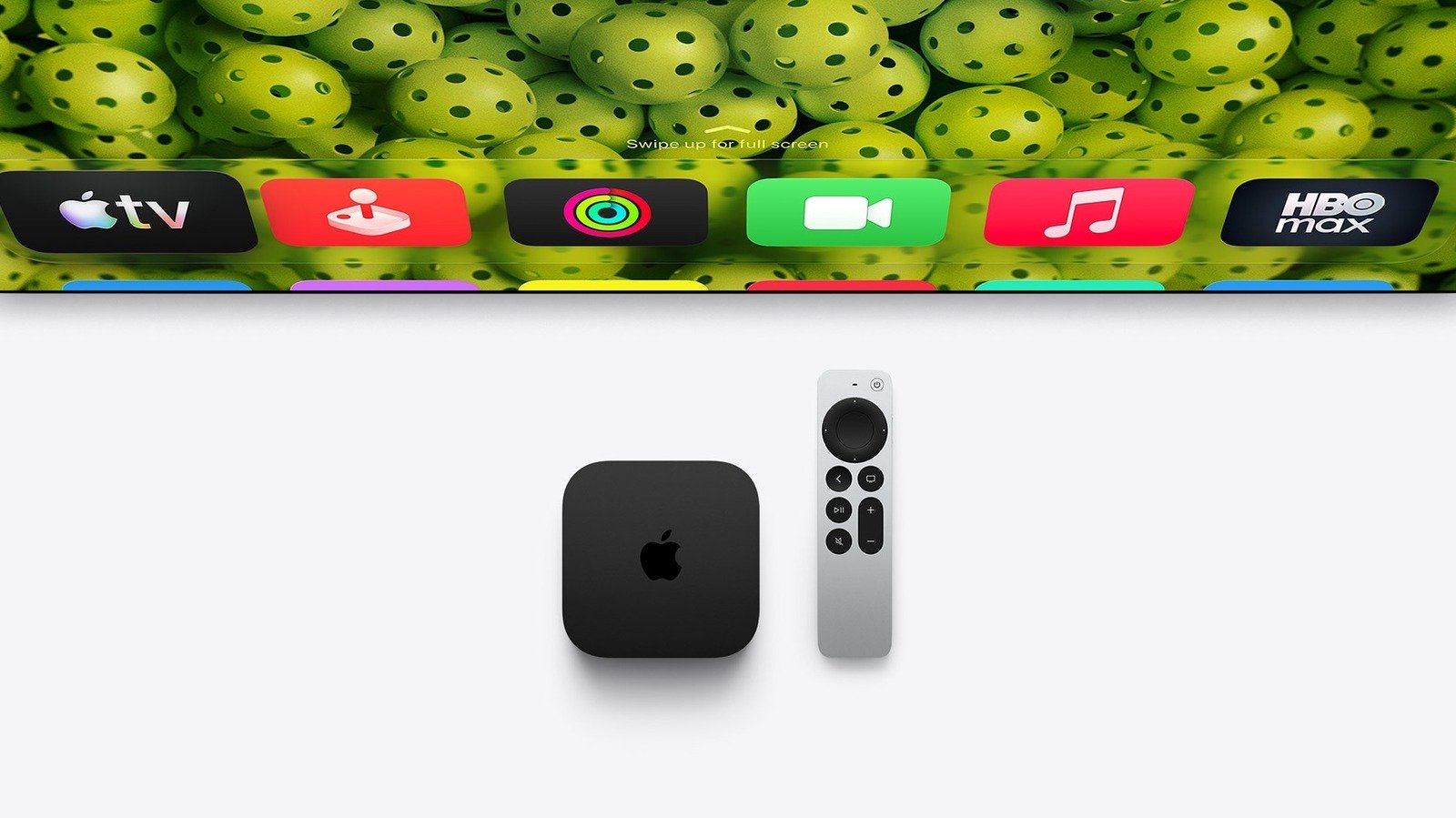
tvOS 27.2 brings the Siri Remote into the Find My app ecosystem, a small but meaningful change for users with older Apple TV models. Now, you can locate your remote directly from the Find My app on your iPhone, eliminating the need to switch to the TV Remote in Control Center. This streamlines the process and makes it consistent with how you find other Apple devices. For those with the new Apple TV 4K and its updated Siri Remote, which includes a speaker for audible location cues, the experience is even more seamless.
On the media playback front, the TV app now supports American Sign Language (ASL) and British Sign Language (BSL) for select movies and shows, accessible via player controls or settings. This is a major step forward for representation and accessibility. Additionally, profile support has finally arrived for the TV app on iPhone and iPad with iOS 27.2, syncing with your Apple TV to allow personalized experiences for each household member. The new characters on the profile selection screen add a touch of fun, while the black-and-white Apple Music icon refreshes the app’s visual identity to match iOS 27.2’s new design language.
How to Update and What to Expect
Updating to tvOS 27.2 is straightforward: simply open the Settings app on your Apple TV, navigate to System > Software Update, and download the free update. It’s compatible with the second-generation Apple TV 4K (released in 2021) and later models. However, note that some advanced features, such as setting up a surround sound system with two pairs of the new HomePod mini 2 or HomePod 2nd generation, are exclusive to the latest Apple TV 4K with the A19 chip. This tiered approach ensures that older hardware still benefits from core improvements while pushing boundaries on newer devices.
Overall, tvOS 27.2 may not redefine the Apple TV experience, but it thoughtfully refines key aspects like personalization, accessibility, and device integration. These changes reflect Apple’s ongoing commitment to making its ecosystem more user-friendly and inclusive. If you haven’t updated yet, it’s worth taking the time to explore these features—they might just enhance your next movie night or screen saver showcase.
Arts, Electronics, Entertainment, Home, Internet, Leisure, Online, People, Shopping, Society, Telecom, Transportation